AAI-CoreOnceCore workspace
Module guide / Smart Automation

Smart Automation

Partly connected

Turns a natural-language request into a step-by-step automation plan with triggers, actions and follow-ups.

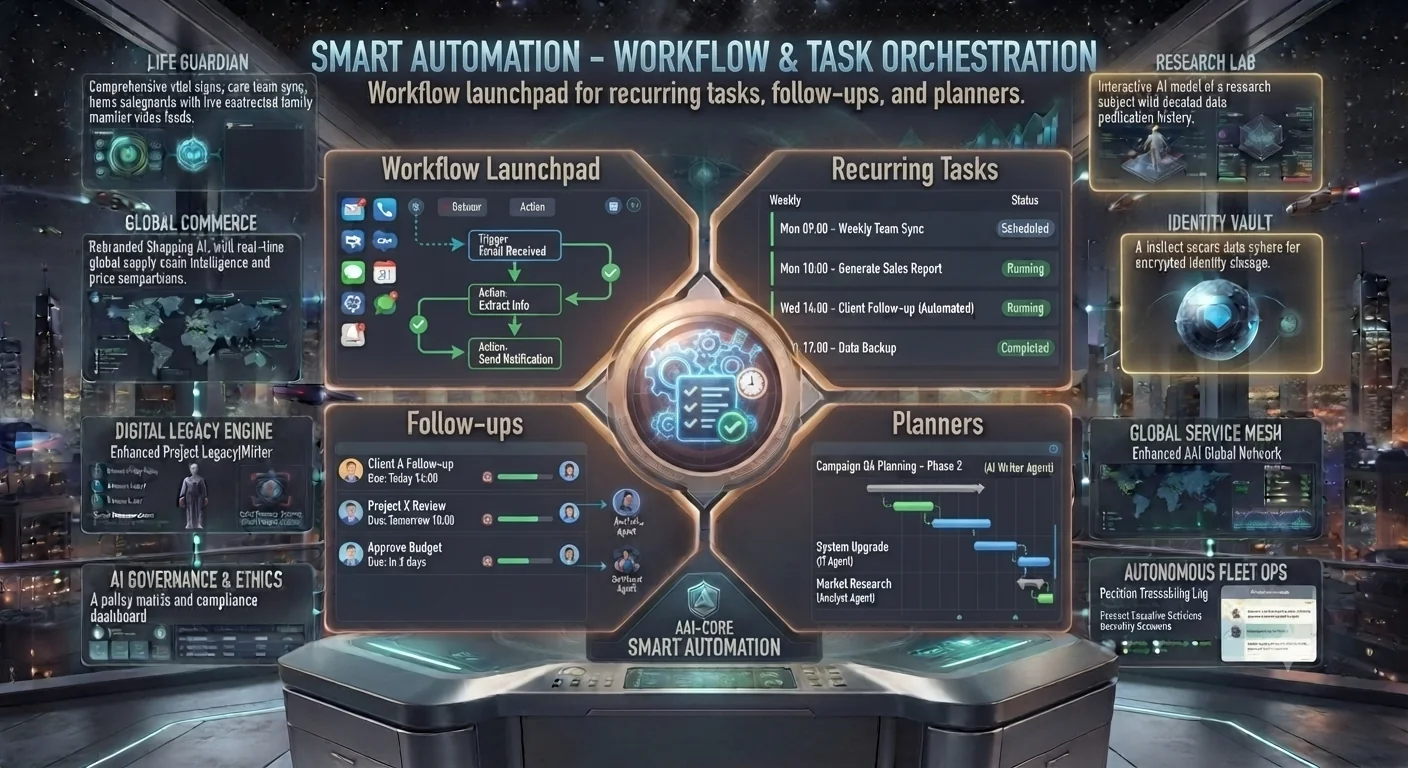
Smart Automation concept: workflow launchpad, recurring tasks, follow-ups and planners
Concept preview of the interface. Text inside the image is artwork; the cards below describe what each area is for and what works today.

What each area of the interface does

Needs AI key

Workflow Launchpad

Trigger to action flow, for example email received to notification sent.

Concept

Recurring Tasks

Weekly and daily jobs with scheduled, running or completed status.

Available

Follow-ups

Reminders with due dates and owners.

Needs AI key

Planners

Phased plans laid out as a timeline.

How to use it

  1. Open Workflow Builder and describe the routine, for example 'remind me every Monday to send the report'.
  2. Review the generated plan and adjust the steps.
  3. Use Follow-up Agent to keep reminders for tasks that slip.
Good to know: Plans are created but not executed automatically. Device control and unattended scheduling are not connected.