AAI-CoreOnceCore workspace
Module guide / AAI Global Network

AAI Global Network

Partly connected

Shows connectivity status and the event stream between workspaces, plus notifications from the app.

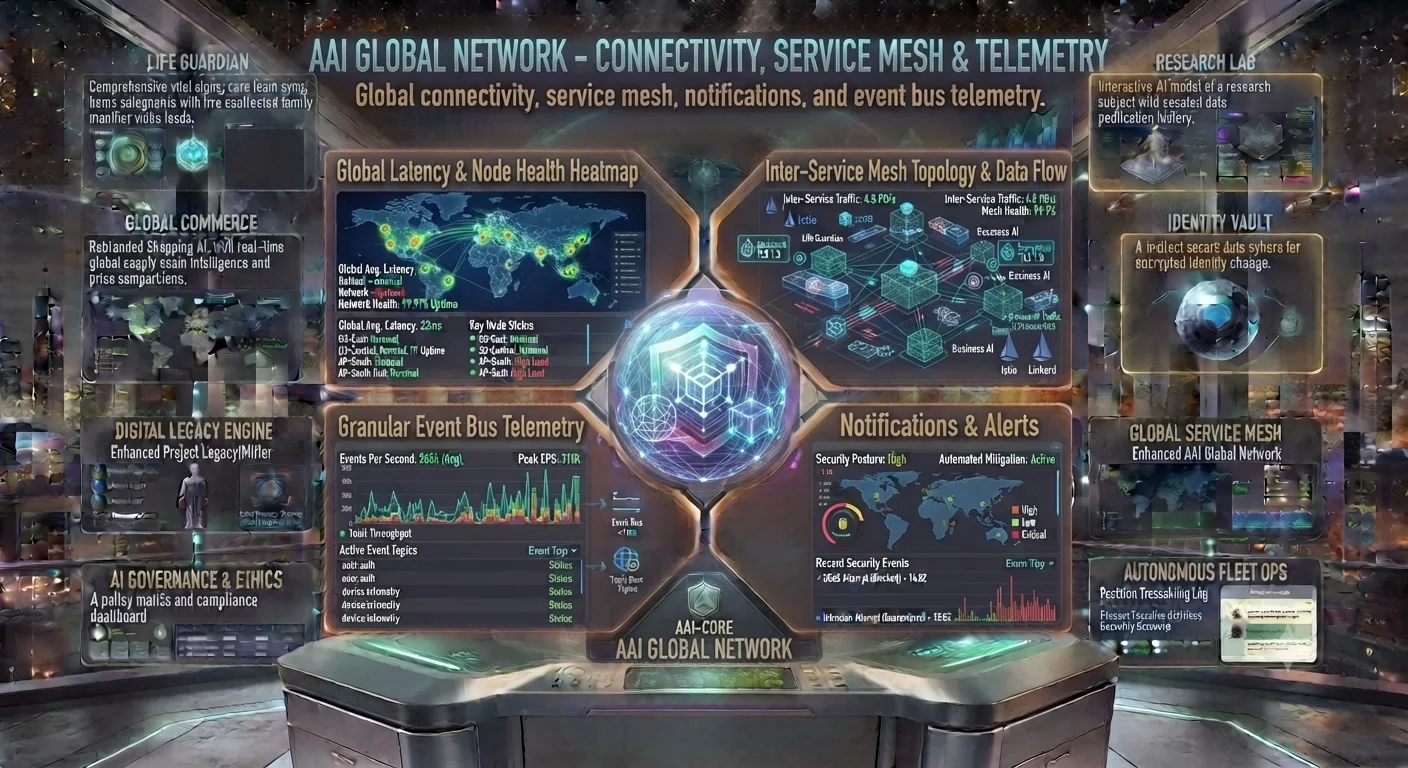
AAI Global Network concept: latency heatmap, service mesh, event bus telemetry and alerts
Concept preview of the interface. Text inside the image is artwork; the cards below describe what each area is for and what works today.

What each area of the interface does

Available

Latency & Node Health

Connection quality and uptime of the service.
Concept

Service Mesh Topology

How the workspaces exchange data.

Available

Event Bus Telemetry

A live list of events from each module.

Available

Notifications & Alerts

Recent system alerts and security events.

How to use it

  1. Open Overview to check that the service is reachable.
  2. Use Event Bus to see what each workspace has recently done.
  3. Use Relay Status to review notification delivery.
Good to know: Global node maps and mesh topology in the image are a vision; the app reports its own service health only.