AAI-CoreOnceCore workspace
Module guide / AI Messenger

AI Messenger

Needs an AI provider key

Persistent text conversation with your configured AI provider, with browser speech recognition for voice input.

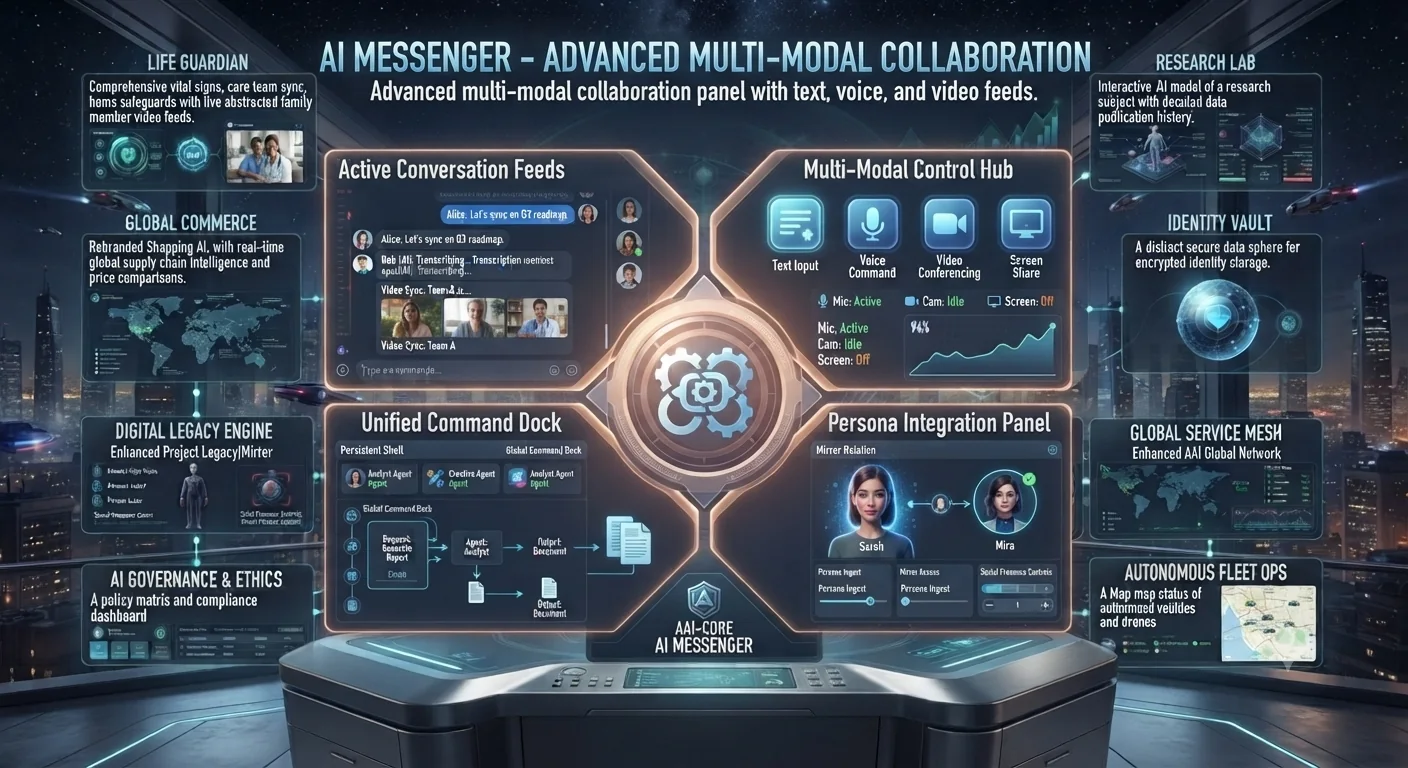
AI Messenger concept: conversation feeds, multi-modal controls, command dock and persona panel
Concept preview of the interface. Text inside the image is artwork; the cards below describe what each area is for and what works today.

What each area of the interface does

Needs AI key

Active Conversation Feeds

Your chats and the assistant's context window.

Needs AI key

Multi-Modal Control Hub

Text input, voice command, video call and screen share controls.

Available

Unified Command Dock

A persistent command bar that routes requests to the right workspace.

Concept

Persona Integration Panel

Persona and mirror settings tied to Project Legacy.

How to use it

  1. Open AI Messenger and type in the conversation box, or tap the microphone to dictate.
  2. Pick an AI provider in assistant preferences if more than one is configured.
  3. Use the command dock to jump to another workspace without leaving the chat.
Good to know: Voice uses your browser's speech recognition. Camera analysis, video calls and screen share are not connected.